A dashboard’s top-level css: block controls its canvas, cards, typography, and chart
colours. It travels with the YAML, so a theme is a normal git diff. Write it yourself,
or ask AI Studio for it.
Try the examples
The sqldash repo ships six themes written by an agent from a one-line request each, over generated DuckDB data. Serve them from a checkout.
git clone https://github.com/dylan-murray/sqldash.git && cd sqldash
sqldash serve examples/studio
Open Neon observatory, Electric citrus, Ember, or Amber terminal in the
dashboard picker with the app in dark appearance, and Rose quartz or Morning
broadsheet in light. Every one is the same dashboard with the same metrics. Only the
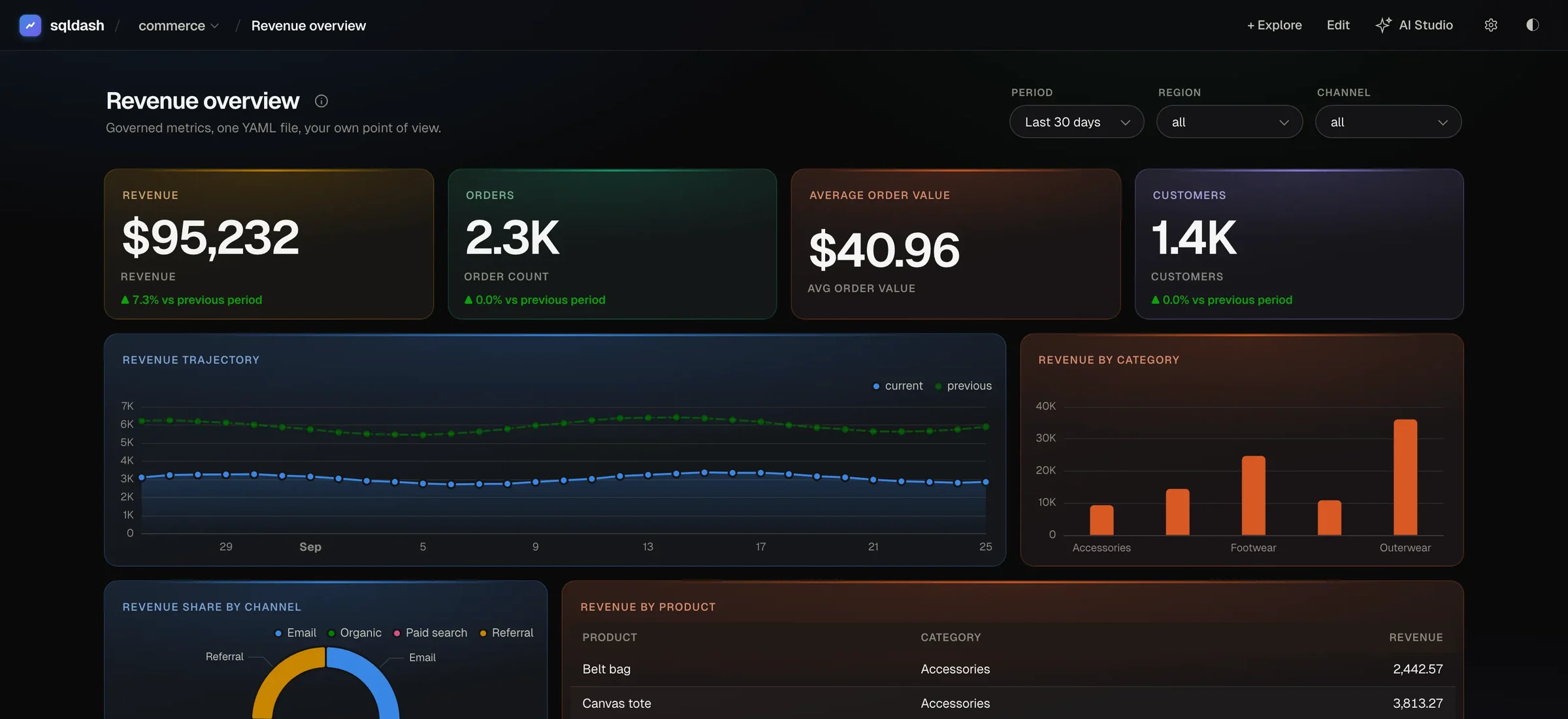
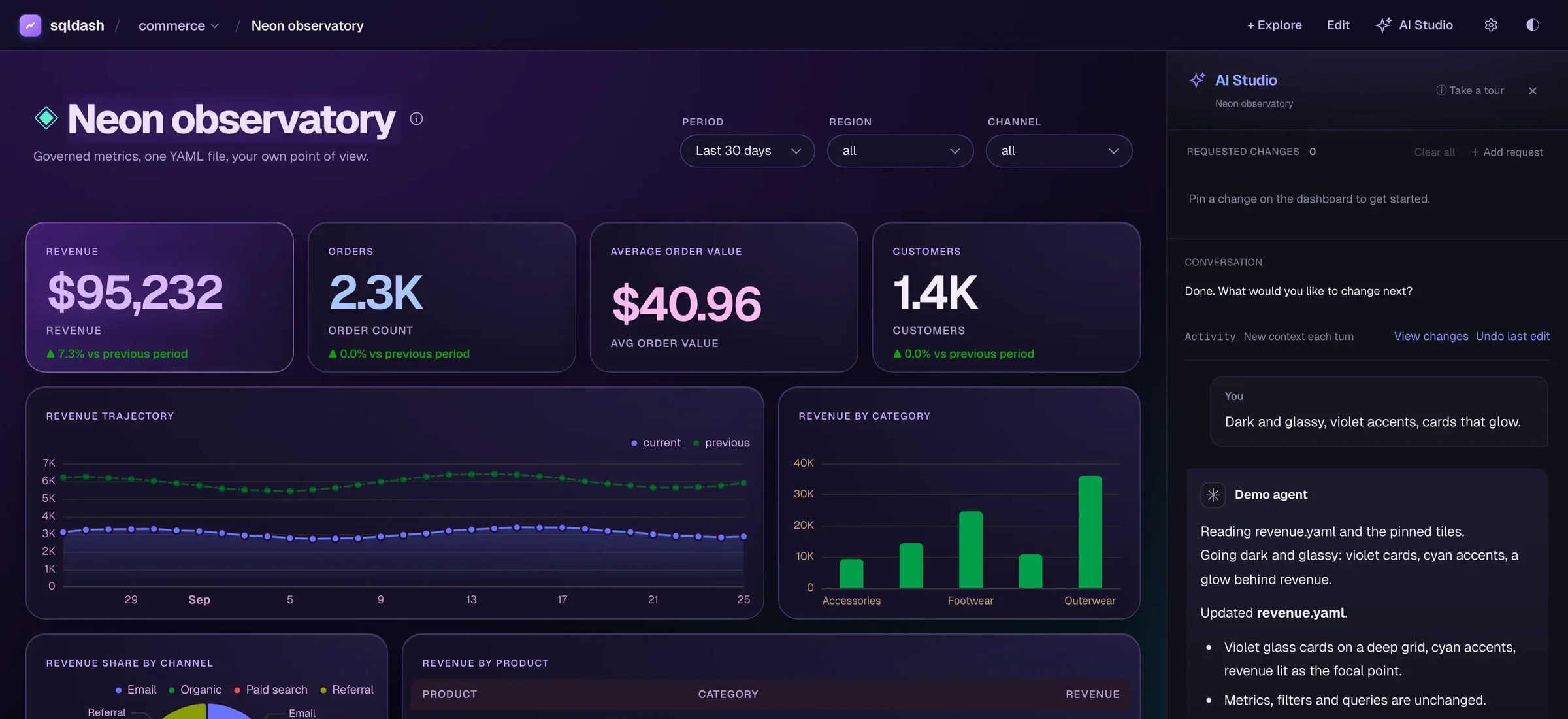
css: block changes, as in this before and after.
Write your own theme
css: |
  --page: #100d1c;
  --page-glow: radial-gradient(ellipse at top left, #39215d, transparent 60%);
  --glass: #100d1cd9;
  --surface: #20172e;
  --ink-1: #f5edff;
  --ink-2: #c6b6e7;
  --ink-muted: #ad9ccb;
  --accent: #dcbbff;
  .tile {
    border: 1px solid #9670c8;
    border-radius: 20px;
  }
  .tile[data-tile-id="revenue"] .value {
    color: #dcbbff;
  }
The last rule targets the tile with id: revenue. Explicit tile ids keep targeted
styles working when titles change.
Page tokens
Tokens written bare at the top of the block set the whole page, edge to edge, in both light and dark appearance, including the background, the glow, the top bar, and the accent.
| token | sets |
|---|---|
--page, --page-glow |
the page background and its gradient glow |
--glass |
the top bar |
--surface, --surface-raised |
cards and raised surfaces |
--ink-1, --ink-2, --ink-muted |
text, from strongest to quietest |
--border, --border-strong |
hairlines |
--accent |
buttons, focus, and highlights |
--series-1 to --series-8 |
chart series colours |
Tokens also count as page level inside :root, html, body, or :scope, or as a
plain background or color on body. Values must be colours or gradients. Anything
else at page level is dropped, including url(), and sqldash lint names it. A token
set inside a narrower selector, such as one tile, stays scoped to it.
Light and dark
To set a token for one appearance only, add it to the selector, as in
:root[data-theme="dark"] or :root[data-theme="light"]. :root[data-theme] means
both, and a list such as :root, :root[data-theme] counts as one page block.
Your own variables
Your own custom properties are welcome in the same blocks. A --crawl declared in
:root is kept for the dashboard, per appearance when the block names one, so
var(--crawl) works in every rule below it. When a page token reads it, as in
--accent: var(--crawl), the page gets the value too.
css: |
  :root, :root[data-theme] {
    --crawl: #ffe81f;
    --page: #02030a;
    --accent: var(--crawl);
  }
  :root[data-theme="light"] {
    --crawl: #7a6500;
  }
  .dash-title-row h1 {
    color: transparent;
    -webkit-text-stroke: 2px var(--crawl);
  }
What the CSS can reach
Everything other than page tokens is wrapped in @scope (main.container), so it can
restyle tiles, headings, and charts but never the top bar, AI Studio, or the page around
the dashboard. Use :scope for the dashboard’s own box. A rule can still depend on the
appearance, as in :root[data-theme="dark"] .tile, as long as a space follows the page
prefix. Nested rules and nested @media blocks work at the top level and inside
:scope.
Charts draw on canvas, so card and text rules do not style chart series. Set the
--series-N tokens at page level for that.
The content security policy blocks external fonts and images, so a theme cannot load
Google Fonts or a remote background. Use CSS gradients and fonts already on the
machine, keep text readable, keep focus indicators visible, and respect
prefers-reduced-motion when you animate.